The AI is already doing the work, in six places
Every one of these is a real, shipped part of Bridge X, not a roadmap slide — the illustrations below show exactly what it drafts, flags, or generates.
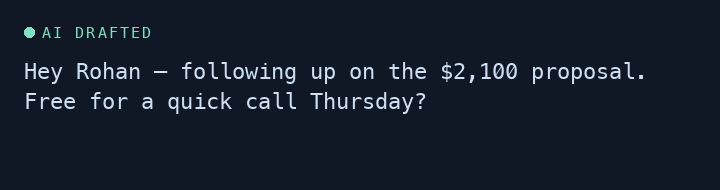
Reads your pipeline, drafts the outreach
Sales Engine prioritises leads by real signals — deal size, days since contact, stage — then drafts the actual message. You review, you send.
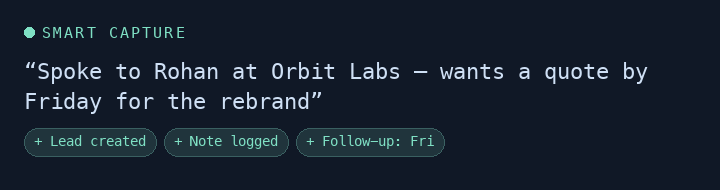
Turns a messy note into CRM actions
Paste in free text from a call or chat — Smart Capture reads it and creates the lead, logs the note, and schedules the follow-up on its own.
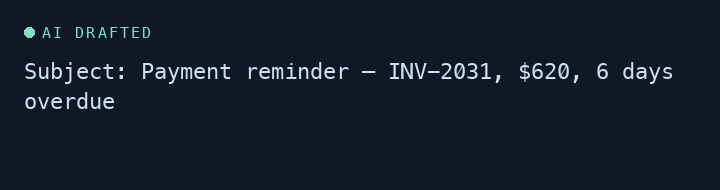
Chases overdue invoices so you don't have to
Every day, it drafts a polite, specific reminder for every invoice that's gone overdue — pulling the real amount and due date — and queues it for your review.
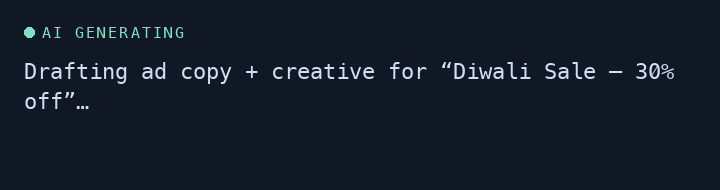
Writes the ad copy, generates the creative
Give Creative Director a campaign brief — it drafts the ad copy and generates the actual image, ready to launch straight to Meta.
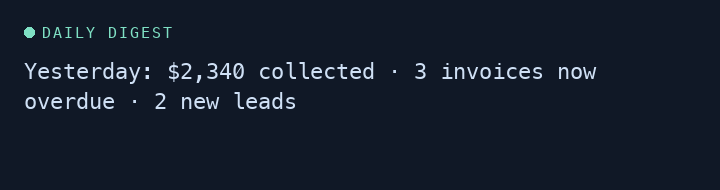
A daily briefing on what actually happened
No dashboard to dig through — a written digest of revenue, overdue invoices, and pipeline movement, in plain language, every morning.
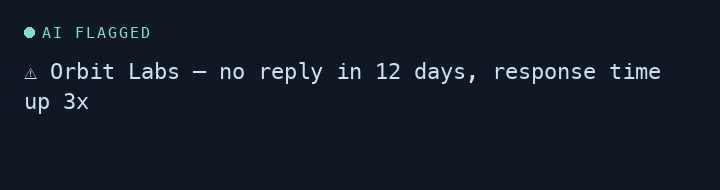
Flags who's about to go quiet — before they do
Client Health scores every client on real signals — response time, project pace, invoice friction — and tells you exactly why one's at risk.
These run on your own AI key — nothing here is a demo effect, it's the real feature drafting real content inside your workspace.